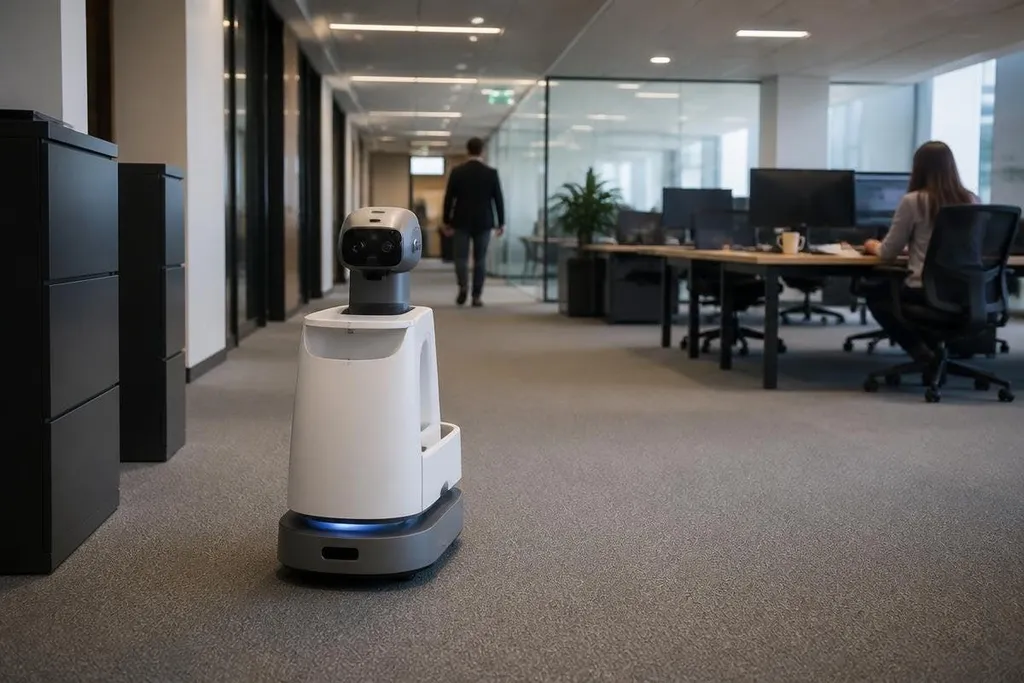
A mobile robot may record rooms, people, voices, faces, Wi-Fi signals, and work patterns while doing its job. That data can create a privacy problem even when the robot has no camera aimed at a person.
Quick read
- Sensors can reveal room layouts, routines, faces, voices, and device locations.
- Cloud storage adds people and systems outside the robot to the privacy chain.
- A clear retention plan matters as much as the robot's safety settings.
What robot data can reveal
Its sensors collect more than the information needed for movement. Cameras can record faces and documents. Microphones can pick up speech.
LiDAR can build a map from laser measurements, while software can store the robot's route and the time it reached each place.
Those records can reveal who was present, when a room was occupied, where equipment sits, and how work moves through a site. A map may not contain a person's name, yet it can still show private details about homes, offices, hospitals, or factories.
The risk grows when separate data sets are joined. A route log linked with badge records can connect a person to a location and a time. Video linked with an employee directory can turn an unknown face into a named person.
Where the data goes
Many robots process some data on the machine and send other data to a server. The server may store maps, sensor clips, error logs, software records, or data used to improve navigation. Each transfer creates another place where access rules must work.
A supplier may also give access to support staff, contractors, or software tools. That does not mean a breach will happen, but it does mean the robot owner may not be the only party handling the records.
A robot’s camera and location logs can leave the building through a vendor’s software. Robot24.com privacy reporting can tie those data flows to named companies and systems before the next paragraph looks at server location.
The location of a server matters too. Privacy rules can change when information crosses a national border. A buyer needs to know which company stores the data, where it sits, who can reach it, and how long the records remain available.
Why deletion is harder than it sounds
Deleting a live video file may not delete copies in backups, support systems, test databases, or exported reports. A fleet can also keep derived records, such as a map, a route history, or a label attached to an image.
That makes a retention policy more useful than a broad promise to protect privacy. The policy should name each data type, its storage period, the reason for keeping it, and the process for deleting it.
I’d treat robot data as personal data whenever it can be linked to a person, even if the file began as a map or a movement log.
A privacy check before deployment
Ordinary features can create privacy trouble through a camera used for obstacle detection, remote access for a service technician, or a voice assistant that saves audio after a misread wake command.
The buyer also needs to ask what happens when the robot changes hands. A used unit may still contain maps, Wi-Fi details, access tokens, or cached footage unless the owner wipes them before resale or disposal.
These questions belong in procurement, not after installation:
- What sensors collect personal information, and can each one be turned off?
- Which data stays on the robot, and which data leaves the site?
- Can the supplier prove deletion from live systems and backups?
- Who can view live feeds, maps, logs, and stored clips?
- How does the robot protect data during transfer and storage?
- What happens to the data when the contract or service plan ends?
Use this short check before a robot enters a home, workplace, care site, or public area:
- Map the data: list cameras, microphones, LiDAR, location logs, user accounts, and stored files.
- Set the limit: collect only what the task needs, then disable unused sensors.
- Control access: use named accounts, strong passwords, and logs that show who opened data.
- Set deletion dates: decide when maps, clips, logs, and backups must be removed.
- Test the reset: wipe the robot and confirm that remote services no longer hold its records.
Even when a robot is safe around people, it can still reveal too much about them. The next purchase decision should include one plain question: what personal facts could someone recover from this robot's data after the task is done?